AI drama generator
Create a Complete AI Drama From One Idea
Turn an idea or a written script into a drama with a beginning, a conflict and an ending. Zoromi brings story development, shared character references, scene planning and video generation into one workflow, so you can follow the story through to a finished movie.
Review the price shown for each step. Pay with Gems; no subscription required.
See a complete story carried through its cast and scenes
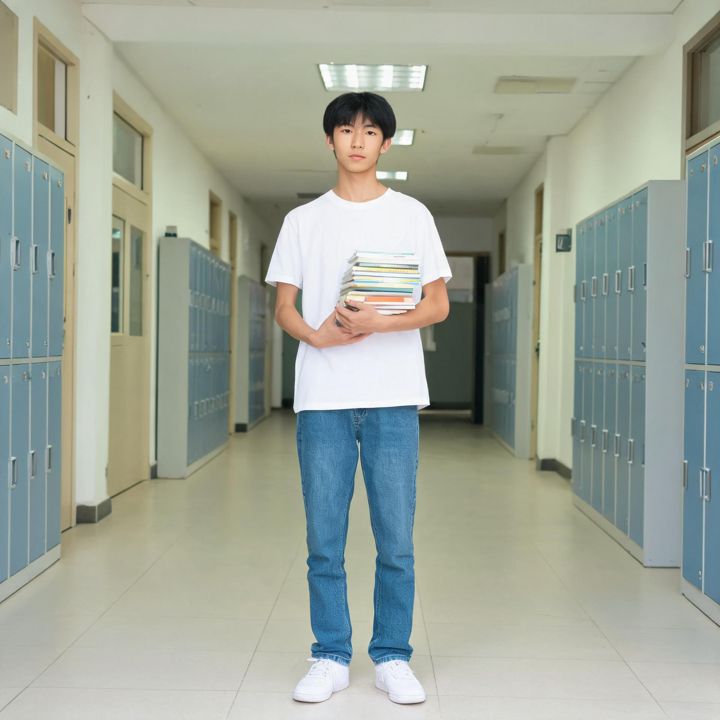
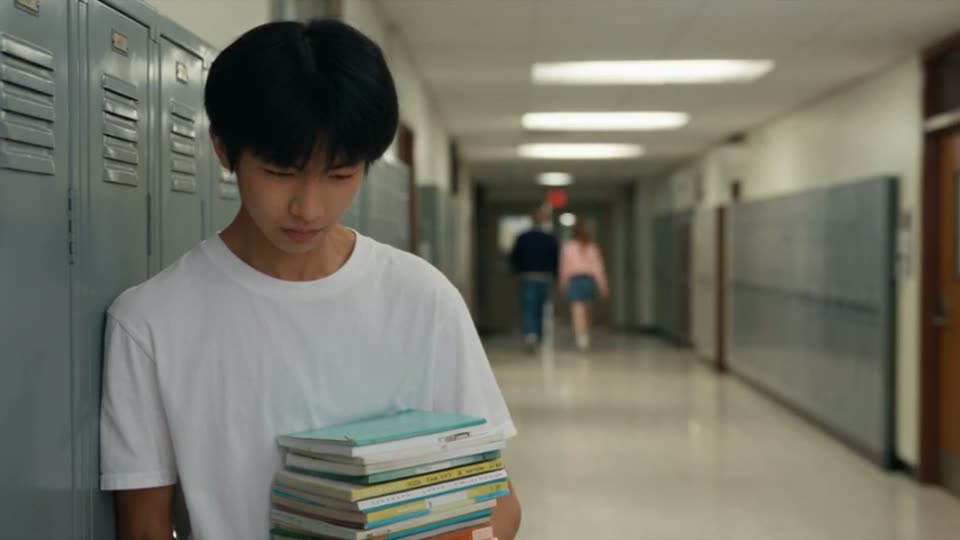
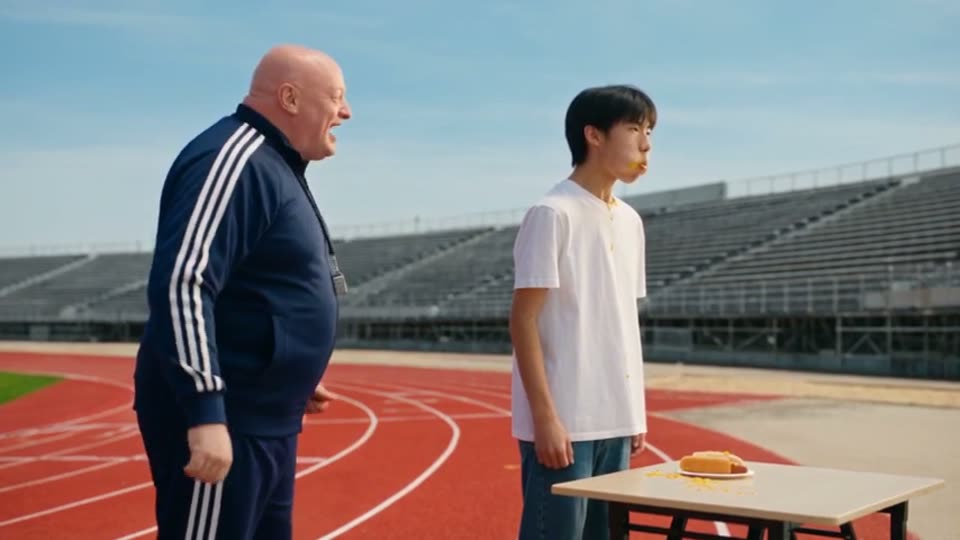
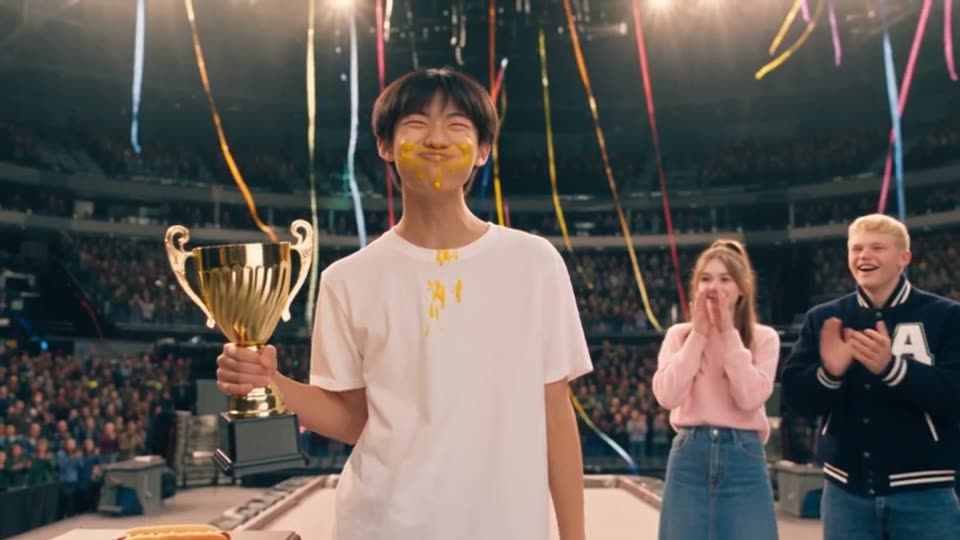
Hot Dog King is a published 10-clip comedy. These actual frames follow Mike from the school corridor through training to the podium. Compare his reference design with the generated scenes, then watch the clips alongside the original story outline.
How it works
- Step 1
Develop your story
Bring one idea, an outline or a script. Review the characters, action and dialogue, and give your drama a clear ending before filming.
- Step 2
Review the shared cast
Check the characters, locations and props identified from your story. Generate or reuse reference images to guide their appearance across scenes.
- Step 3
Plan and generate scenes
Review the shot plan, clip lengths and prices. Generate the connected clips and inspect individual results; redo a clip when it needs another take.
- Step 4
Assemble your drama
Select the takes for your final movie. Open them in the Video Editor to trim, reorder or add audio, then export the finished story.
A drama needs scenes that change the story
Use the script stage to establish what each character wants, what gets in the way and how the conflict resolves. Check the action, reactions and dialogue together so viewers can understand what happens and why it matters.
Your scene plan keeps those story beats connected while fitting them into the selected video model's clip limits. You can review the plan before committing to video generation.
Keep your characters recognizable across clips
Shared reference images guide faces, clothes, locations and important props throughout the production. Review the references before filming and compare the generated takes afterward: AI output can still drift, and a single scene may need another take.
Finish this drama, then continue into another episode
Choose the takes that tell this story clearly and assemble a final movie. Further editing lets you adjust the cut and audio without starting the whole production again.
For a follow-up episode, start from the next story idea and reuse the saved cast and reference designs. Keep the familiar world while introducing a new conflict; review continuity again as you build the series.
Questions
Can I start an AI drama with just one idea?
Yes. Start with an idea and develop it into a script, or bring a script you already wrote. Review the expanded story and its ending before generating the scenes.
Does it create a finished drama or separate video clips?
Zoromi generates the drama as connected clips that you can review and select for a final movie. The Video Editor lets you refine their order, timing and audio before exporting.
Can I keep the same cast for another episode?
Yes. Reuse your saved character and scene reference designs in the next story. References guide consistency; check each new result for changes in appearance, clothing and performance.
Can I regenerate just one scene?
Yes. Generate another take for an individual clip, review its saved versions and choose the one that works best in the final drama.
How much does an AI drama cost?
Paid actions use Gems. Check the price and Gems shown in the workspace for the action you are about to run; costs depend on the selected settings and amount of content. Review each stage separately, including any paid planning or preparation, and check the current pricing page for available Gems options.
More answers in the FAQ and current rates on the pricing page.
Try it with your own story
Bring your story, review the available steps and prices, then choose what to generate.
Create Your Drama