AI video generator
AI Video Generator for Stories
Start with the story you want to tell. Zoromi helps develop the script, prepare character references and plan a sequence of clips you can review, generate and assemble into a finished video.
Review the price shown for each step. Pay with Gems; no subscription required.
Follow one story from its cast design to the final scene
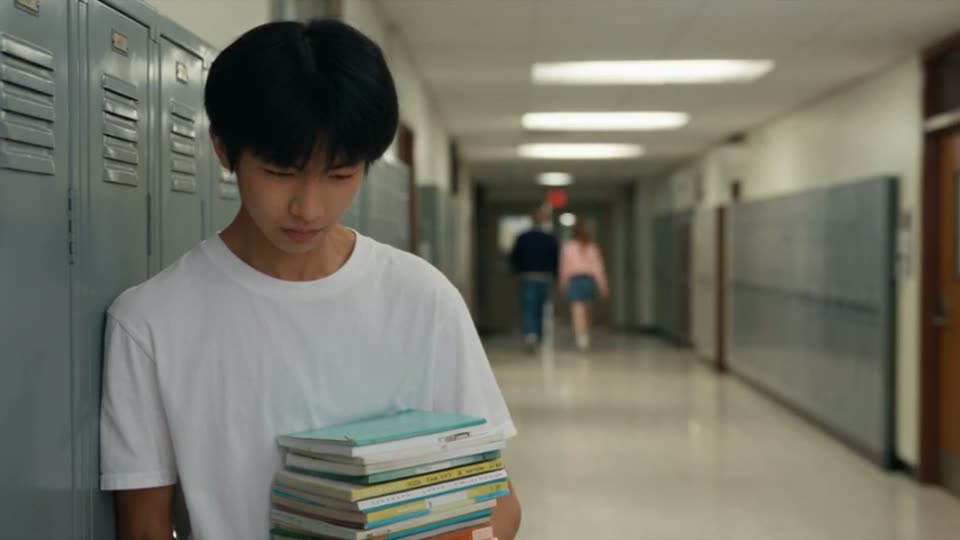
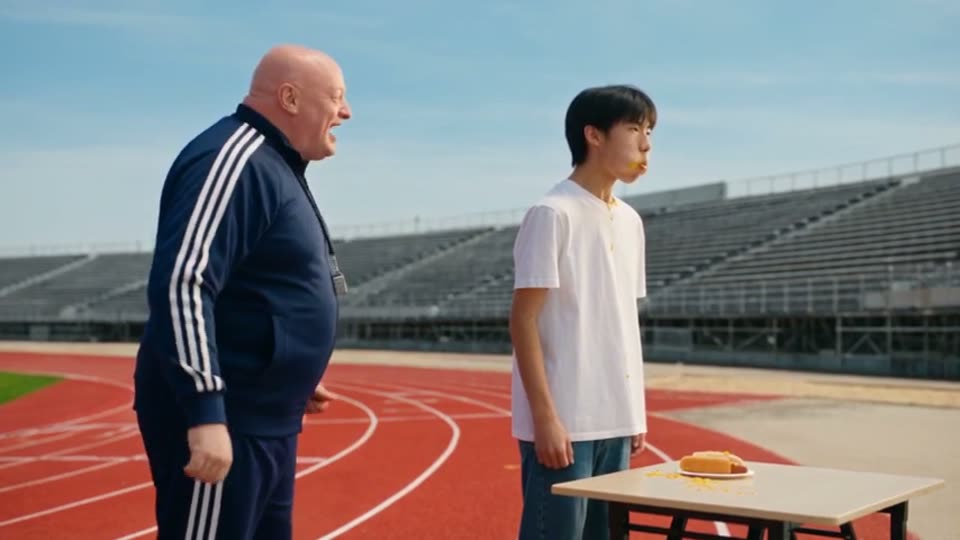
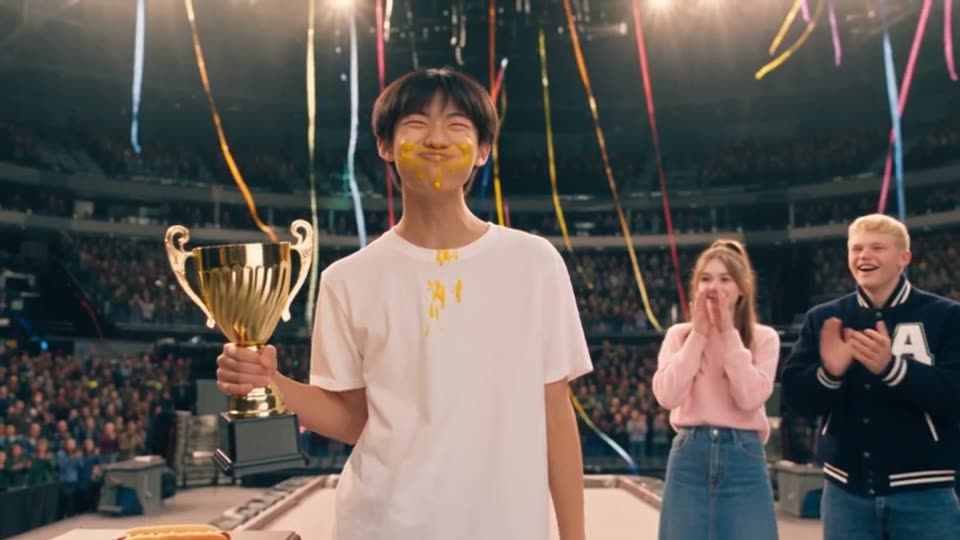
These frames come from Hot Dog King, a published 10-clip comedy. Compare Mike's reference design with the school corridor, training track and podium scenes, then open the example to see the original outline and every clip.

How it works
- Step 1
Start with your story
Paste an idea, outline or script and review the shooting script.
- Step 2
Review the cast and clips
Check character references, scene order, dialogue and the available duration settings.
- Step 3
Check the cost and generate
Review the price and Gems shown for the action, then generate the clips you choose.
- Step 4
Refine and assemble
Review the results, regenerate clips that need work and assemble the sequence in the Video Editor.
Bring an idea, an outline or a finished script
A short idea gives you a starting point for a shooting script. With a longer story, review the action and dialogue before splitting it into clips. If you already have a script, inspect how its scenes become a video plan before you generate.
The workflow keeps the written story, cast and clip plan together so you can check what each scene contributes to the finished video.
Make videos with a beginning, a middle and an ending
Build a short comedy, a dramatic scene, a story-led explainer or a narrative video for your social channel. Plan the sequence around what happens in the story, then choose the available format and generation settings for your intended audience.
A recurring character can link the scenes: a student reaching a final, a guide explaining an idea or a lead facing a new problem. Saved reference designs help you guide the cast's appearance as the setting changes.
Review the details that shape the result
Inspect each clip's text, selected references and duration. Review the displayed price and Gems for each paid action. Available durations, resolutions and reference options depend on the settings you select.
After generation, watch the clips in order. Refine an individual clip where needed, then load the sequence into the Video Editor to assemble and export your video. Check the transitions and character appearance in the finished cut.
Questions
What can I use this AI video generator for?
Zoromi's story workflow is designed for videos made from a sequence of planned scenes, such as short dramas, comedies and narrative explainers. Start with written input, review the cast and clips, then assemble the generated footage into your video.
Do I need a complete script to start?
No. You can begin with a short idea or outline and review the developed script before planning the clips. A finished script also works as a starting point.
How long can my video be?
The finished length depends on the number and duration of the clips you plan and assemble. Available clip durations depend on your selected generation settings. Hot Dog King is a published example built from 10 clips; use the current workspace to check the limits and cost for your own project.
Can I keep the same characters across scenes?
Use saved character designs and the reference options available in your chosen workflow to guide appearance across clips. Results can still vary, so compare each clip with the references and regenerate scenes that need correction.
How much does AI video generation cost?
Paid actions use Gems. Check the price and Gems shown in the workspace for the action you are about to run; costs depend on the selected settings and amount of content. Review each stage separately, including any paid planning or preparation, and check the current pricing page for available Gems options.
More answers in the FAQ and current rates on the pricing page.
Try it with your own story
Bring your story, review the available steps and prices, then choose what to generate.
Create a story video