AI short drama generator
A short drama from a short outline, with the same cast from clip 1 to clip 10
Start with a short conflict, a reveal or a comic payoff. Turn your outline into a script, review shared cast references and plan the clips for a short drama. Check each stage's cost before you run it, then select the takes for your final cut.
Review the price shown for each step. Pay with Gems; no subscription required.
Proof, not a promise: one character across a finished 10-clip drama
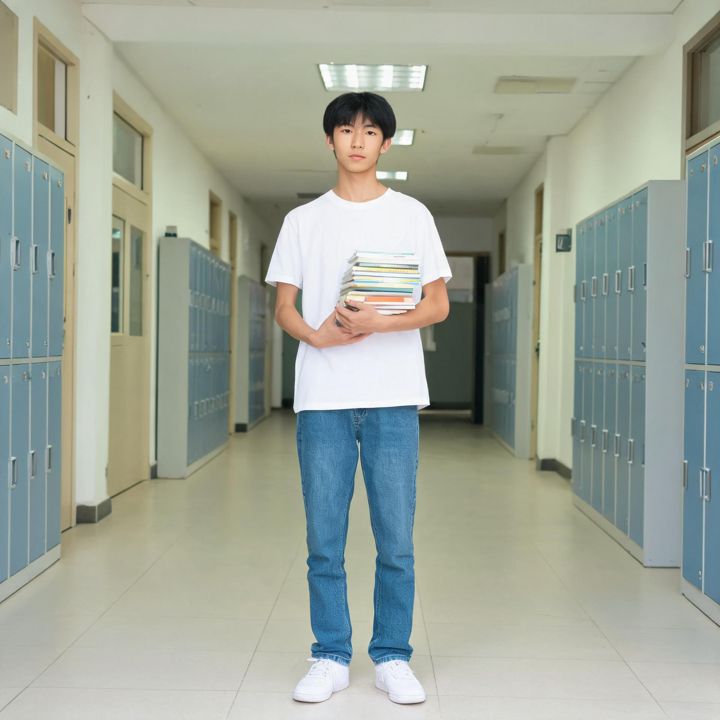
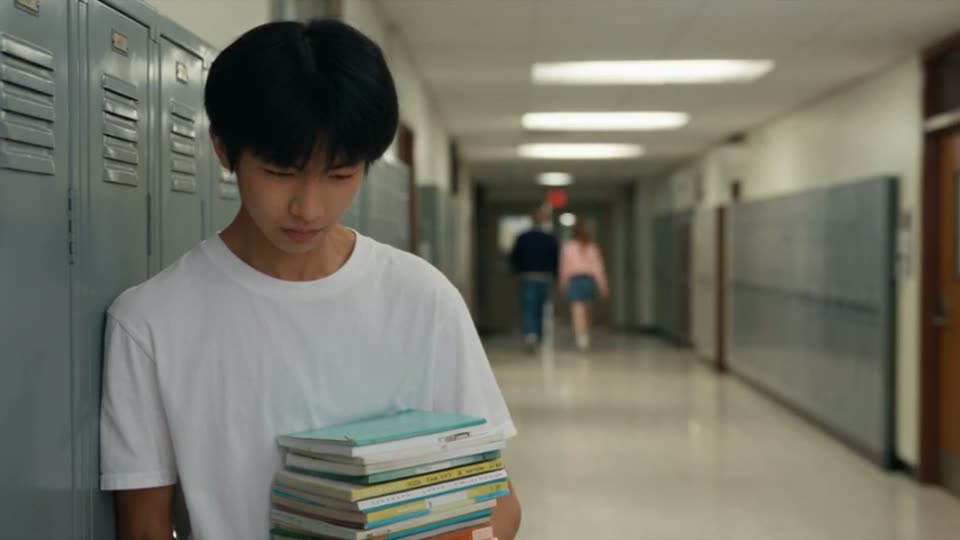
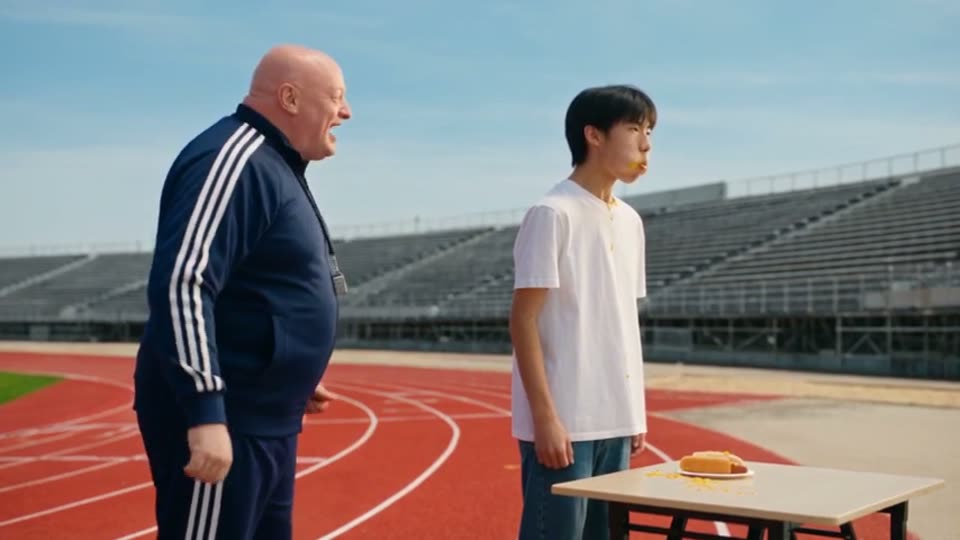
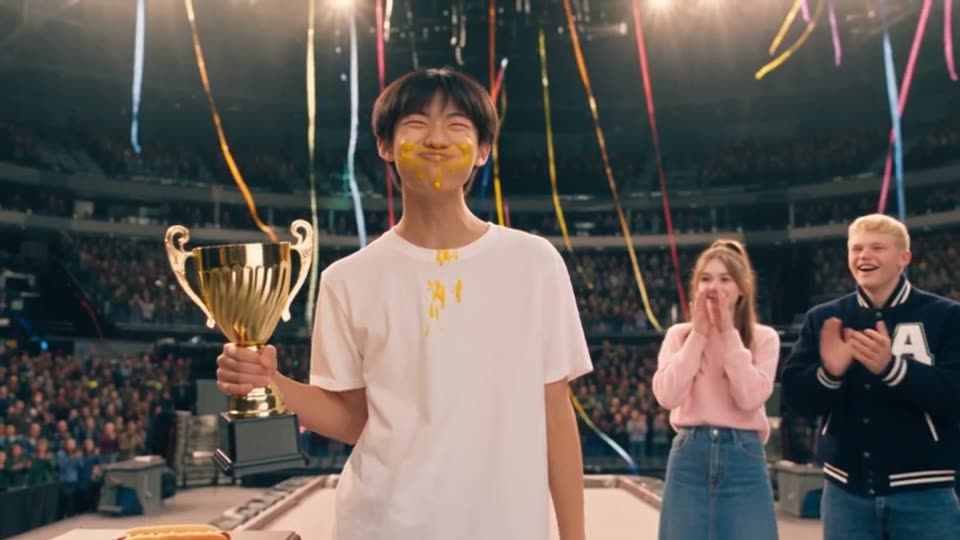
These frames come from Hot Dog King, a 10-clip comedy generated from a short Chinese outline at 480p, 12 seconds per clip. Nothing was retouched. Mike's face, hair and clothes carry from the corridor in clip 1 to the podium in clip 10.
How it works
- Step 1
Paste the story
A full script, a scene list, or one paragraph. One sentence is enough; Zoromi can expand it.
- Step 2
Prepare the references
Review the cast designs, reuse saved images or check the cost of generating new references.
- Step 3
Review the clips and video cost
Check the planned action, dialogue and duration of each clip, then review the remaining video-generation cost.
- Step 4
Generate and edit
Generate all clips, redo any single one, and assemble the drama in the Video Editor.
Give a short drama a clear hook and payoff
Open with an action or a problem the viewer can understand quickly. Give the next character a reaction and a reason to speak, then build toward a reveal, a decision or a joke. Review that progression in the script before planning the shots.
Shared character, location and prop references help the clips feel like one production. Check which designs each clip uses and watch the result in motion: faces, clothing and other details can still vary between takes.
What you control
Pick vertical 9:16 for TikTok, YouTube Shorts and Reels or 16:9 for widescreen, then choose the model, resolution and clip duration settings. Planning may extend a clip within the model's limit or split content that needs more time. Review the resulting clip lengths and video quote before generating.
If one clip misses, generate another take for that clip and compare the saved versions. Select your takes for the Final Movie, then open the Video Editor to refine their order, timing and audio.
Questions
How long can a short drama be?
The finished length depends on the clips you plan and select. Duration settings and limits vary by model; planning can extend or split a clip to fit its content. Check the resulting lengths and cost before generation. Hot Dog King is an example planned as 10 clips of 12 seconds.
How much does an AI short drama cost?
Paid actions use Gems. Check the price and Gems shown in the workspace for the action you are about to run; costs depend on the selected settings and amount of content. Review each stage separately, including any paid planning or preparation, and check the current pricing page for available Gems options.
Will the characters look exactly the same in every clip?
Shared reference designs help keep characters recognizable, but generated faces, outfits and details can vary. Review each clip's selected references and the finished footage, then correct the reference selection or generate another take where needed.
More answers in the FAQ and current rates on the pricing page.
Try it with your own story
Bring your story, review the available steps and prices, then choose what to generate.
Start your short drama